
Half-term plus rain is the two-variable problem every mum solves the week before. The forecast locked in at “rain, intermittent” by the Thursday and I knew I needed a plan beyond “watch Bluey till lunchtime”. The kids were 4, 7 and 9, and that spread is the specific nightmare where one child wants peppa stickers, one wants Minecraft, and one wants to be left completely alone with a book. One activity never works for all three.
Over the three rainy days of October half-term, I rotated structured and unstructured options: Twinkl printable worksheets for the primary-age kids, IXL maths practice for the eldest, Tonies audio stories for the youngest, and screen-free table activities when I needed everyone off devices entirely. Each of them worked for a specific slot. None of them worked for a full day. Here’s the real plan, the actual engagement times, and what I’d skip next time.
Twinkl: The Reliable Worksheet Source for Half-Term
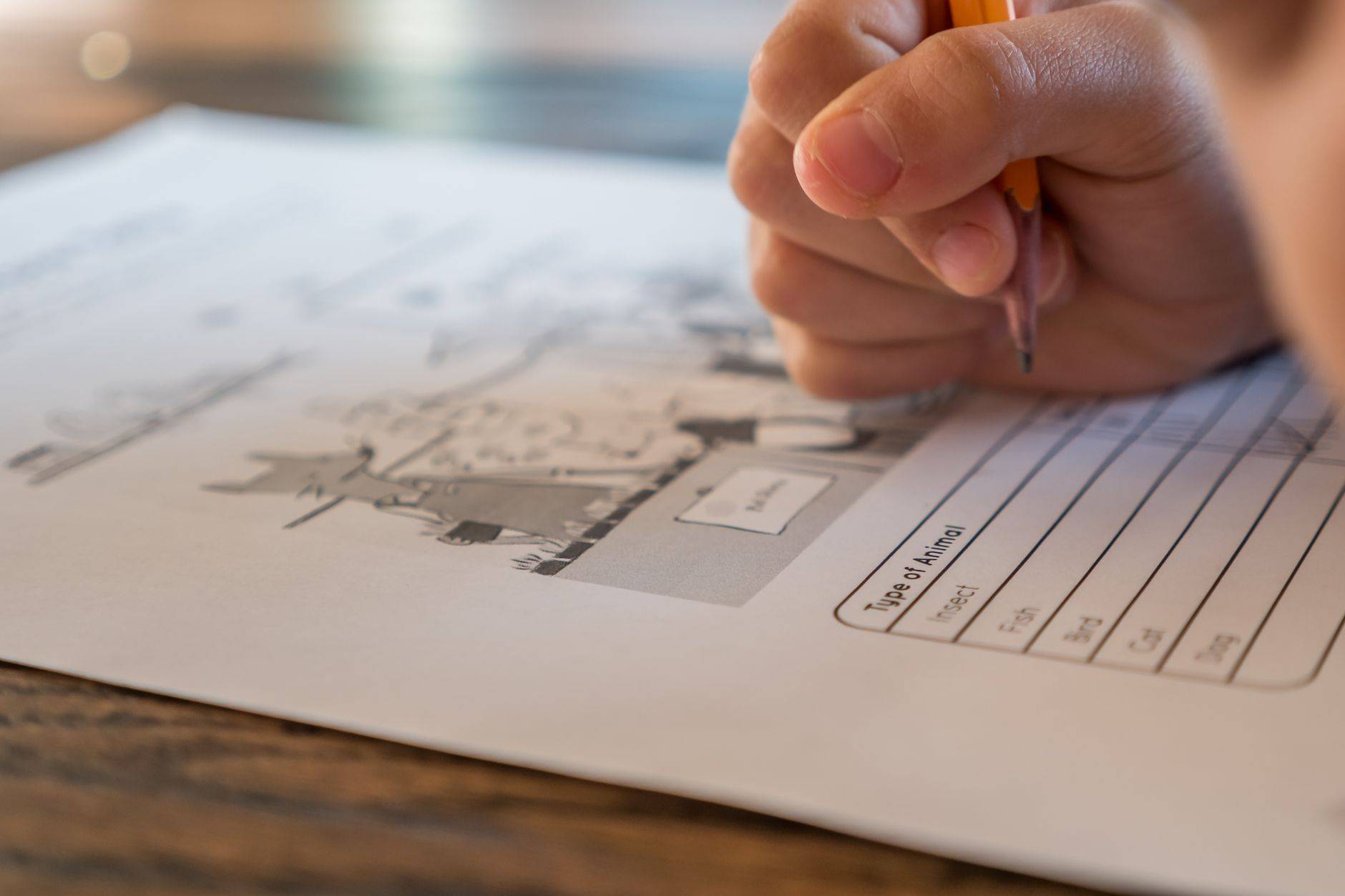
Twinkl is the resource I underrated for years before trying it properly. The free tier includes a decent library of printable worksheets across ages 3 to 11 covering phonics, maths, topic work and seasonal themes (Halloween worksheets in late October are plentiful). The paid Core membership (£5.99 per month in 2026) unlocks the main library plus editable templates, which is where the value actually sits for a mum with multiple ages.
The marketing says Twinkl is “trusted by teachers”. In practice it is actually used by teachers, which is both a credential and a limitation. The worksheets are pitched at classroom pace, so individual-at-home kids will fly through faster than Twinkl’s internal timings suggest. A pack of ten KS1 autumn-themed phonics worksheets took my 7-year-old 35 minutes rather than the implied 90.
What makes Twinkl work for rainy half-term is specifically the Halloween and autumn range. Pumpkin counting, bat phonics, witch-themed story prompts (all slightly tacky, all enthusiastically received by 4 and 7 year olds). The 9-year-old was too old for most of this and found better engagement elsewhere.
Printing Pragmatics
Twinkl assumes you have a working colour printer and ink. If you don’t, the worksheets lose impact (most are heavily colour-coded) and you’ll resent the subscription. Our Epson EcoTank has lasted two years on one ink refill, which makes the printing economics work. On a conventional cartridge printer, printing 40 Twinkl pages per half-term adds £8 to £12 to the real cost.
IXL: The Structured Maths Option for the Older Child
IXL is the one that genuinely engaged my 9-year-old across the three days. It’s a US-origin maths and English practice platform, with UK curriculum alignment available in the settings, and the format is diagnostic-driven: ten questions test current level, then the platform suggests a specific topic to work on next. Pricing in 2026 is around £9.95 per month single-subject or £15.95 per month for maths plus English for one child.
The marketing says IXL is “mastery-based”. In practice it genuinely adapts, and the gamification (Smart Score climbing to 100, awards unlocking) kept my eldest engaged for 40 to 50 minute stretches without complaining, which is unprecedented. The parent dashboard shows exactly what topics were covered and how he performed.
The 7-year-old tried IXL briefly and found it too dry. He wanted praise and sound effects, and IXL’s sparse, text-heavy interface felt austere. For KS1-age kids, Twinkl worksheets or a cheaper CBeebies-style app would fit better. IXL comes into its own at Year 4 and up.
What IXL Isn’t
IXL isn’t a tutor and isn’t replacement teaching. If your child doesn’t understand a concept, IXL will tell them they got the answer wrong without explaining the method deeply. It works as practice on things they almost know, not as instruction on things they’ve never seen.
Tonies: The Screen-Free Audio Option
Tonies solved the youngest’s rainy-day problem specifically. The Toniebox is a soft audio cube that plays stories or music when a Tonie figure (physical collectible, £14.99 each) is placed on top. We have about 25 Tonies accumulated over three years, including Peppa Pig, Julia Donaldson classics, Paddington and a bedtime stories compilation.
The marketing says the Toniebox is “a screen-free audio platform for children”. In practice it genuinely is screen-free, and the physical ritual of choosing a Tonie, placing it, listening is the specific thing that works for 3 to 6 year olds. My 4-year-old can operate the Toniebox entirely alone, which is a win for a mum trying to make lunch.
Daily engagement for the 4-year-old on a rainy day was around 90 minutes split across the day, usually in two or three listening sessions interleaved with other activities. The Tonies format also works at bedtime, which it did every night of half-term, extending the value beyond the rainy middle of the day.
The Cost Reality
Tonies add up. 25 Tonies at an average £15 each is £375 of audio library, which isn’t trivial. The Creative Tonies (£11.99 each) let you record your own stories or load MP3 content, which stretches the library without constantly buying new figures.
Screen-Free Options That Actually Worked
The screen-free options I rotated across the three days were specifically chosen for low-prep, low-mess, high-engagement. Each worked for a 30 to 60 minute window.
Playdough across the kitchen table (I make my own, flour-salt-oil-water-cream of tartar, cost pennies, lasts a fortnight) was the universal win for the 4 and 7 year old. Lego free-build for the 7 and 9 year old. A reading corner with new library books collected the day before (free from the local library) for the 9-year-old specifically.
The marketing says kids will “entertain themselves if given the space”. In practice they will do that for 20 minutes and then come find you. Low-prep structured activities bridge the gap. We also did a 60-minute baking session (a Mary Berry-style flapjack recipe from a kids’ cookbook) that produced edible flapjacks and about 90 washing-up minutes.
What Didn’t Work
Jigsaws were the thing I expected to work and didn’t. The 1000-piece puzzle I’d been saving for exactly this moment was too hard for the 7-year-old and too easy for the 9-year-old, so neither engaged. Buy jigsaws by exact age fit, not by vague “rainy day” expectation.

Full-Day Scaffolding Across the Three Days
Each rainy day used a loose template: morning Twinkl or Tonies plus free play, lunch, afternoon IXL or baking, snack, afternoon Lego or reading, dinner, Tonies at bedtime. That shape covered 10 hours with roughly 4 structured hours and 6 unstructured. Fewer structured activities and the kids got bored. More and we all got tired of being managed.
Comparing the Four Options
| Option | Cost (Monthly or Per Item) | Best Age | Engagement Window Per Day |
|---|---|---|---|
| Twinkl Core | £5.99 per month | 4 to 8 | 60 to 90 minutes |
| IXL maths plus English | £15.95 per month | 8 to 11 | 40 to 50 minutes |
| Tonies (per figure) | £14.99 per Tonie | 3 to 6 | 90 to 120 minutes split |
| Screen-free play | Variable, low | 3 to 10 | 30 to 60 minutes each |
Do’s and Don’ts
| Do's | Don'ts |
|---|---|
| Do prep the printer and ink before half-term starts | Don't start Twinkl at 10am to find the printer out of ink |
| Do mix structured and unstructured across the day | Don't try to structure 10 hours fully |
| Do rotate activities before the kids ask | Don't push an activity past the engagement window |
| Do keep Tonies for separate quiet-time slots | Don't play Tonies in the same room as a maths session |
| Do choose IXL only for Year 4 and up | Don't start IXL with a KS1 child, they'll disengage |
| Do visit the library the day before for new books | Don't rely on home books alone for a bookish 9-year-old |
| Do include one messy activity per day | Don't do two messy activities on one day |
| Do join Twinkl Core, not free tier, if using regularly | Don't rely on Twinkl free alone, library is thin |
| Do set a per-day screen cap before you start | Don't negotiate screen time hourly, exhausting |
| Do accept 20 minutes of boredom as a feature | Don't rescue bored kids immediately, they settle |

Frequently Asked Questions
Is Twinkl worth the £5.99 per month
Yes if you use it twice a month or more. The library breadth and the editable templates justify the price if you’re printing more than 15 pages a month.
At what age does IXL start being useful
Realistically Year 4 upwards (age 8 to 9). Below that the format feels dry compared to app-based alternatives. By Year 5 and 6 it’s a strong tool.
How many Tonies do I need to start
Six to eight is a sensible first library, mixing one song-based (Nursery Rhymes), one quiet story (Peter Rabbit), one favourite character (whatever your child loves). You’ll add more over months.
Can I use Twinkl worksheets without a printer
Only partially. Some can be done on screen, but most lose their format and benefit when squeezed onto an iPad screen. A printer is the realistic prerequisite.
What’s the right screen time cap during a rainy half-term
My rule is 90 minutes active screen time per day for the 7 and 9 year old, 45 minutes for the 4 year old. Tonies audio doesn’t count toward the cap.
How do I rotate activities for different ages
Stagger them. The 9 year old does IXL while the 4 and 7 year old do Twinkl at the same table. Then swap, Tonies for the youngest while the older two read.
What budget-friendly screen-free options exist
Playdough (homemade, pennies), library books (free), existing Lego, baking from storecupboard, drawing with crayons, card games (Uno is £6.99 and works 4 upwards).
How do I prevent bickering during long rainy days
Short, defined activity windows with clear transitions. 45 minutes playdough, snack, 45 minutes separate rooms, together-again activity. Variety and clear starts and stops reduce friction.